
Shows instantly
The template, texts, images and page styles are collected in advance and served from the cache. This is what the visitor sees first.
composite site
“Composite site” is a 1C-Bitrix technology that divides a page into two parts. The static one is served from the cache and is shown immediately, and the dynamic one - cart, authorization, personal prices - is loaded in the background. We connect it to new and existing sites. Sitexpert has a confirmed 1C-Bitrix Composite Website competency.
when you need help
Technology helps when slow loading times are already hindering sales, advertising, or search traffic. Suitable for any site on “1C-Bitrix: Site Management” - corporate, catalog or online store.
Pages take a long time to open, especially the catalog and product cards
Advertising and search bring visitors, but some leave without waiting for loading
During peak traffic hours, the server cannot cope with the load
The site has a shopping cart and a personal account, and we need to speed it up without breaking personal blocks
how does it work
The visitor does not wait for the server to assemble the entire page: he immediately sees the content and can work with it.
The template, texts, images and page styles are collected in advance and served from the cache. This is what the visitor sees first.
The shopping cart, authorization, personal blocks and current data are loaded separately while the visitor is already reading the page, and are cached in his browser.
All features of the dynamic site are preserved. 1C-Bitrix notes faster response, better ranking in search and increased conversion of online stores.
what is included in the work
We start by checking whether your template and components are suitable, and only then enable composite mode.
We look at the template, components and modules, check their compatibility with composite mode and record the current speed.
We enable the composite site, set caching rules, and exclude pages that cannot be served from the cache.
We select personal blocks - cart, authorization, order status, personal prices - so that they are loaded separately and work correctly.
We compare the speed before and after, check forms, orders and personal accounts on different devices.
what will you get
We measure the result on your website, and don’t promise it in advance: after setting it up, we show before and after measurements.
The static part is served from the cache, the visitor sees the content earlier.
Typical requests are not processed again every time the page is opened.
Personal parts do not end up in the cache and are shown correctly to each visitor.
The caching rules are described, and changes on the site do not break the composite mode.
terms and cost
The cost depends on the condition of the template, the number of dynamic blocks and the amount of modifications. After checking the site, we tell you the scope of work and the price, and work only after agreement.
how we work
We look at the template, components and third-party modules, and measure the current speed.
We configure the composite site and caching rules on a test copy or at an agreed time.
We move the cart, authorization and personal blocks to dynamic areas and check their operation.
We show the result before and after, describe the caching rules and transfer the site to work.
what you need to start
For an initial assessment, a link to the site and a short description of what exactly is working slowly is enough.
Website address and pages that open the slowest.
When the slowdown is noticeable: during busy hours, in the catalog, in the shopping cart.
To configure, you will need access to the administrative part of the site - this will be provided after the work has been approved.
examples of work
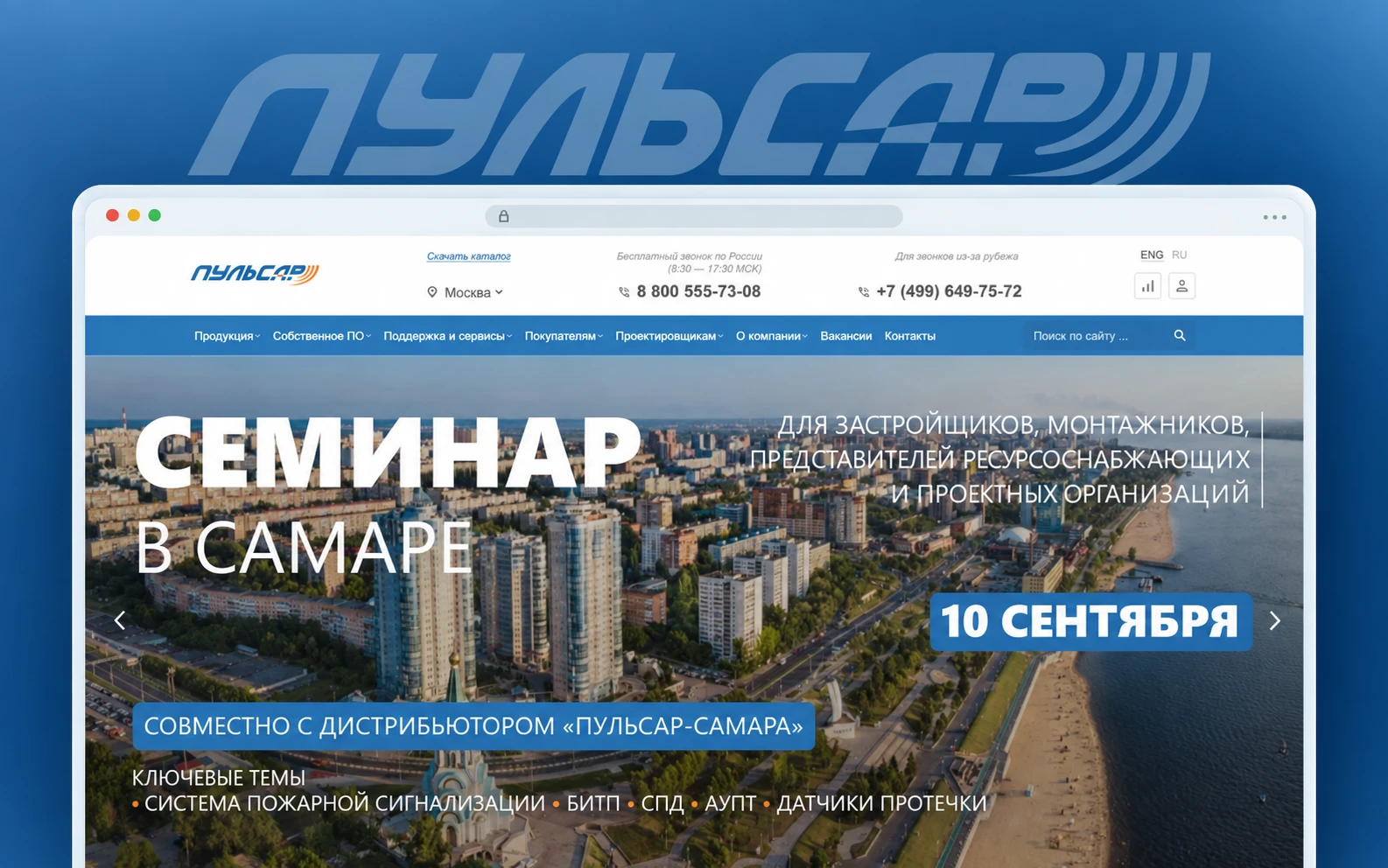
Instruments and software for automated metering of water, heat, gas and electricity, as well as engineering and service solutions.

Online store of goods for creativity and handicrafts: foamiran, felt, ribbons, cabochons, accessories and related materials.

Design, production, supply, installation and commissioning of industrial solutions; monitoring, diagnostics and automation.

Integrated engineering equipment for data centers, telecommunications, industrial and IT infrastructure.
frequently asked questions
We explain how to get started, what the deadlines and costs are, what will be needed from you, and how the result is checked.
1C-Bitrix technology: the page is divided into a static part, which is served from the cache and shown instantly, and a dynamic part, which is loaded in the background and cached in the visitor’s browser.
Any site on the 1C-Bitrix: Site Management platform can operate using composite technology: corporate, catalog, online store, portal.
Yes, if you correctly highlight the dynamic areas: cart, authorization, personal prices. We check their performance before launch.
Usually not. First we check the template and components, then we configure the mode. If some blocks are incompatible, we offer minimal modifications.
1C-Bitrix gives a typical display time of 0.2–0.4 s versus 2.5–4.5 s in normal mode. For your site, the result depends on its state and server, so after setting it up, we show before and after measurements.
If the site operates in composite mode, the corresponding button is displayed for the 1C-Bitrix administrator. Additionally, we check the operation of the pages and show measurements.
Send a link to the site and describe what is slowing you down. Let's say whether the composite mode is suitable, what is required for this and how long it will take.
Get an estimate Telegramnew task
Describe the task - we will answer, clarify the details and suggest the next step.