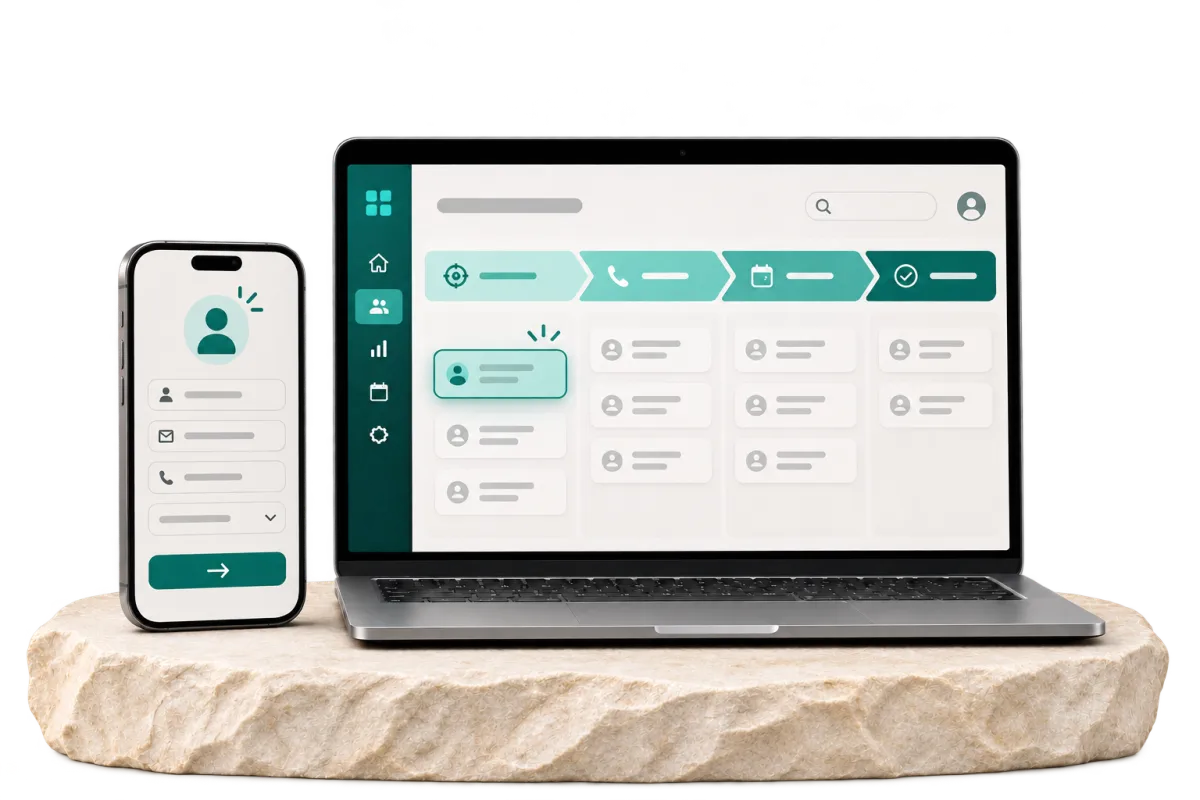
Field Matching
We compare the fields of the form and the CRM card: name, phone, email, comment, city, amount. Nothing is lost or cut off.
integration with CRM
Website integration with CRM: we transfer requests along with the source, contacts and order data so that applications are not lost between the form and the sales department. We configure fields, distribution and delivery control.
when you need help
While applications arrive by email, they are transferred to CRM manually. As soon as the flow grows, losses appear, and some requests remain unanswered.
Applications get lost in correspondence or go to spam
The manager does not see where the client came from
One request is entered into CRM twice
An order from the website is not associated with the client in CRM
what is included in the work
We take into account the actual stages of sales, card fields and the rules by which the department processes requests.
We compare the fields of the form and the CRM card: name, phone, email, comment, city, amount. Nothing is lost or cut off.
We transfer the page, advertising source, UTM tags and device so that you can see which campaign brings in requests.
We configure who receives the request: by region, product, manager or queue. We look for duplicates by phone, mail or transaction.
We keep a log: the application was sent to CRM or not. In case of failure, we provide re-sending and notification.
what will you get
Applications are not lost between the form and the sales department, and the manager sees where the client came from and who is working with him.
Requests are created automatically, without manual transfer and loss in mail.
The transaction indicates which advertisement and page the client came from.
Repeated requests are processed according to specified rules.
You know if the application did not arrive and you can resend it.
terms and cost
The price depends on the number of forms, fields and rules. We evaluate simple integrations with popular CRMs faster. We give an estimate after describing the process, before starting work.
how we work
We look at where applications come from and who works with them.
We fix fields, distribution rules and exceptions.
Setting up the API, webhooks and transmission log.
We check real scenarios: new request, repeat, service error.
We look at the magazine and adjust the rules.
what you need to start
Show what forms are on the site and how managers are currently working with the application. We'll set up the rest ourselves.
List of forms and pages from which applications come.
What system is used and who manages it on the business side.
Fields that sales need: service, amount, city, comment.
Who receives the application: by region, product, manager or queue.
Test environment or account with the necessary rights.
frequently asked questions
We explain how to get started, what the deadlines and costs are, what will be needed from you, and how the result is checked.
Yes. After setting up, the site form itself creates a deal or lead in CRM with contacts, source and contents of the order. The manager receives a notification and takes on the application.
Yes. For each form or page, you can set your own fields and distribution rules so that requests go to the right manager and are not mixed with others.
Yes. We save the page, advertising source, UTM tags and device in the CRM fields to see which campaign brings in requests and which only gets clicks.
The application will be saved and will be sent again according to the rules of the scenario. You will see an error in the log and can check that the request was received.
Yes, if necessary. We transmit the order contents, amount and buyer’s contact information. There is a separate integration for exchanging orders and statuses with 1C.
With Bitrix24 and other CRMs that support API or standard connection. If you don’t have a CRM yet, we’ll help you choose an option that suits your processes and budget.
We can take upon ourselves: monitoring the log, updating rules when forms on the site change, and responding to transmission failures. The scope and order of work will be agreed upon separately.
Send a link to the site and write what is not working now or what you want to change. We will clarify the details, propose the scope of work and explain the next step.
new task
Describe the task - we will answer, clarify the details and suggest the next step.